What is DF Console and why is it important?
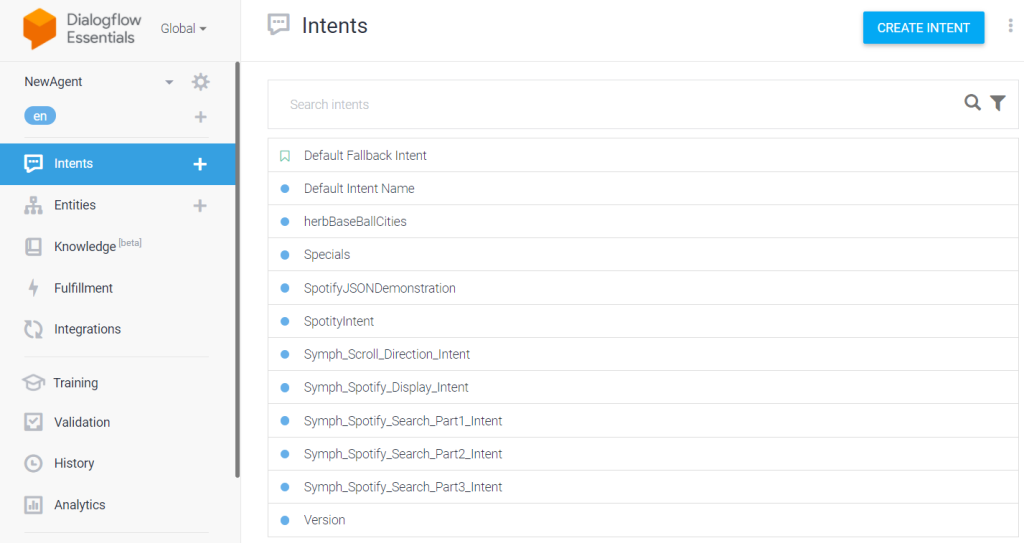
Currently, there are two ways to interact with the dialogflow system. 1) Dialogflow Console (seen to the right), which is simple and very easy to use. 2) Dialogflow APIs, which is not easy to use with some of the documentation is not so complete (for example error handling). DF Console offers a more in-depth look at how to use Dialogflow without writing any code. DF Console falls squarely between the Browser based Dialogflow Console and the Dialogflow API.
Furthermore, DF Console provides access to Dialogflow features that are not so usable in the Dialogflow Console meaning Session Entities, Events, In Depth response analysis, all programatic input parameters with understandable narrated logs,…..
Additionally, DF Console runs on Unity which supports 26 platforms including AR, VR and MR systems. It is all about making it easier to build Dialogflow apps and components for the broadest number of platforms.
Dialogflow’s Console (Built by Google)
Building Intents
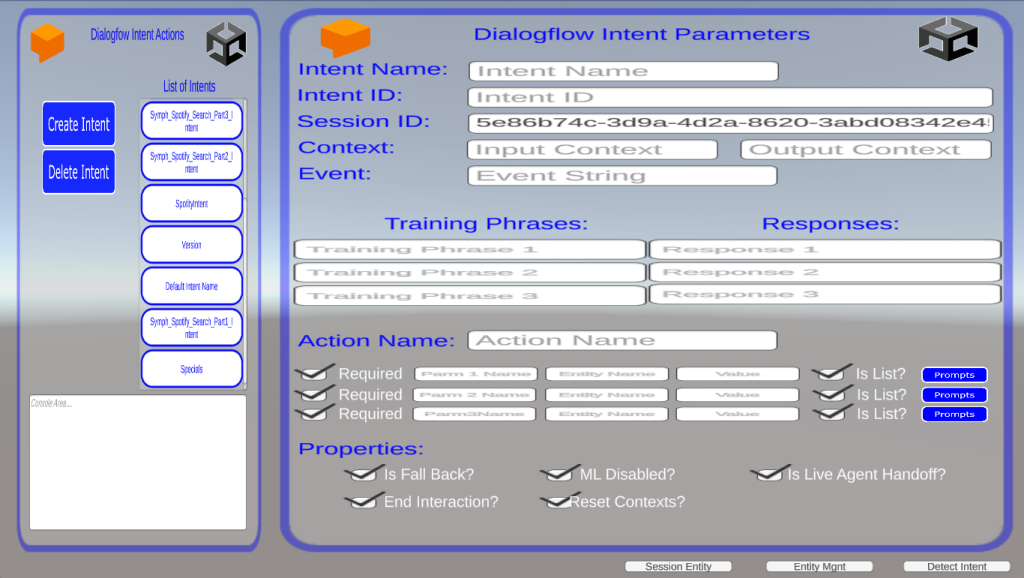
This is how we manage Intents for the Dialogflow System. Intents Categorize the end users Intention at any point in time. End Users Intentions can be expressed in either a text or audio expression. The DF Console offers virtual all the possible input parameters, an action palette, a log and a menu of available intents.
Intent
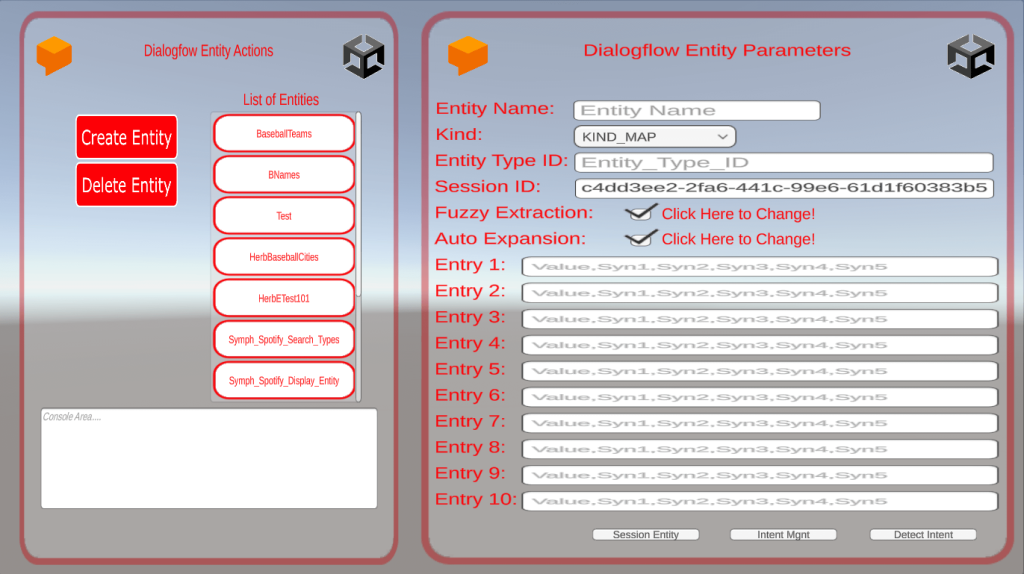
Building Entities
This is how we manage entities for the Dialogflow System. Entities are a mechanism in Dialogflow for identifying and extracting useful data from natural-language inputs. Entities are used to pick out specific pieces of information that your users mention—anything from street addresses to product names and amounts with units. The DF Console offers all possible input parameters, an action palette, a log and a menu of available entities
Entity
Building Session Entities
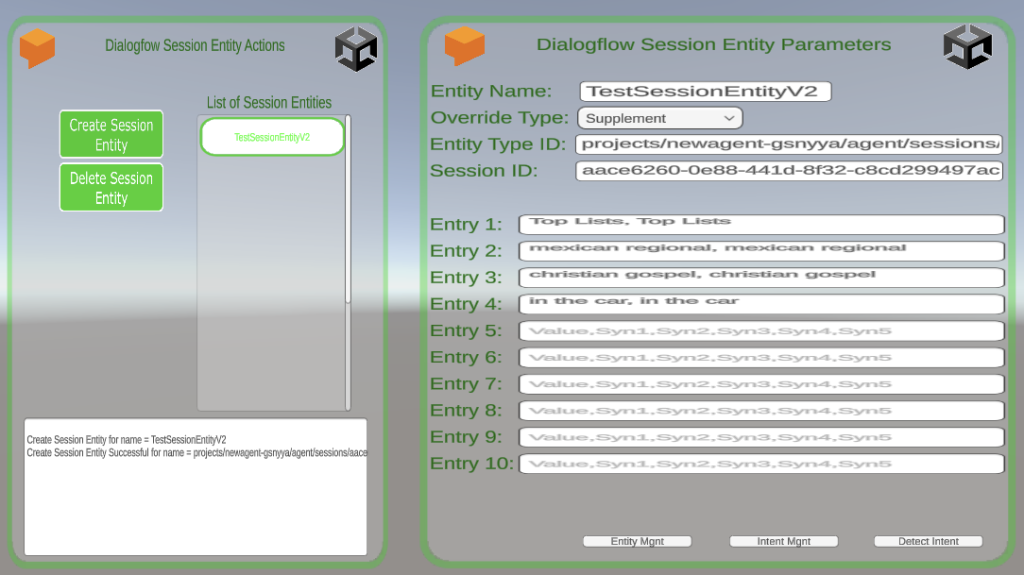
This is how we manage session entities for the Dialogflow System. Session entities are regular entites that are modified in some way for a particular conversation which is identified by the session id. There are only two ways the entitie can be modified – override (which replaces some of the entities properties) or supplement (which adds to the entities properties). The DF Console offers all possible input parameters, an action palette, a log and a menu of available session entities.
Session Entity
Executing Intents and Events
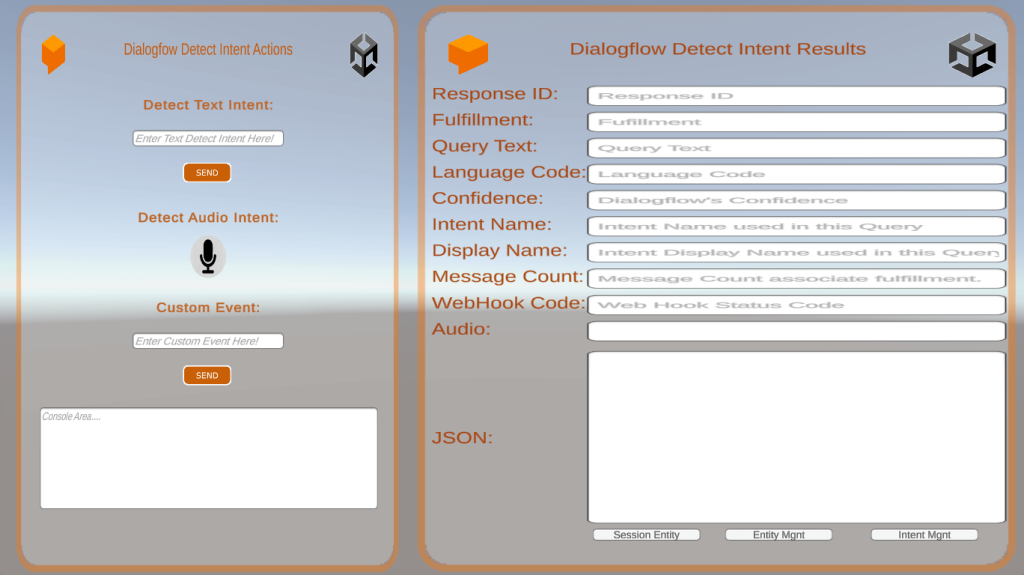
This is how we execute Intents and Events. When an end-user writes or says something, referred to as an end-user expression, Dialogflow compares the expression to the training phrases for each intent to find the best match. In the DF Console, we take text and audio and send it directly to dialogflow for Intent Matching. The response to the Intent Request are shown on the right side of the image.
Detect Intent